
Breakout Cables Explained: 800G, 200G and 100G Splitters
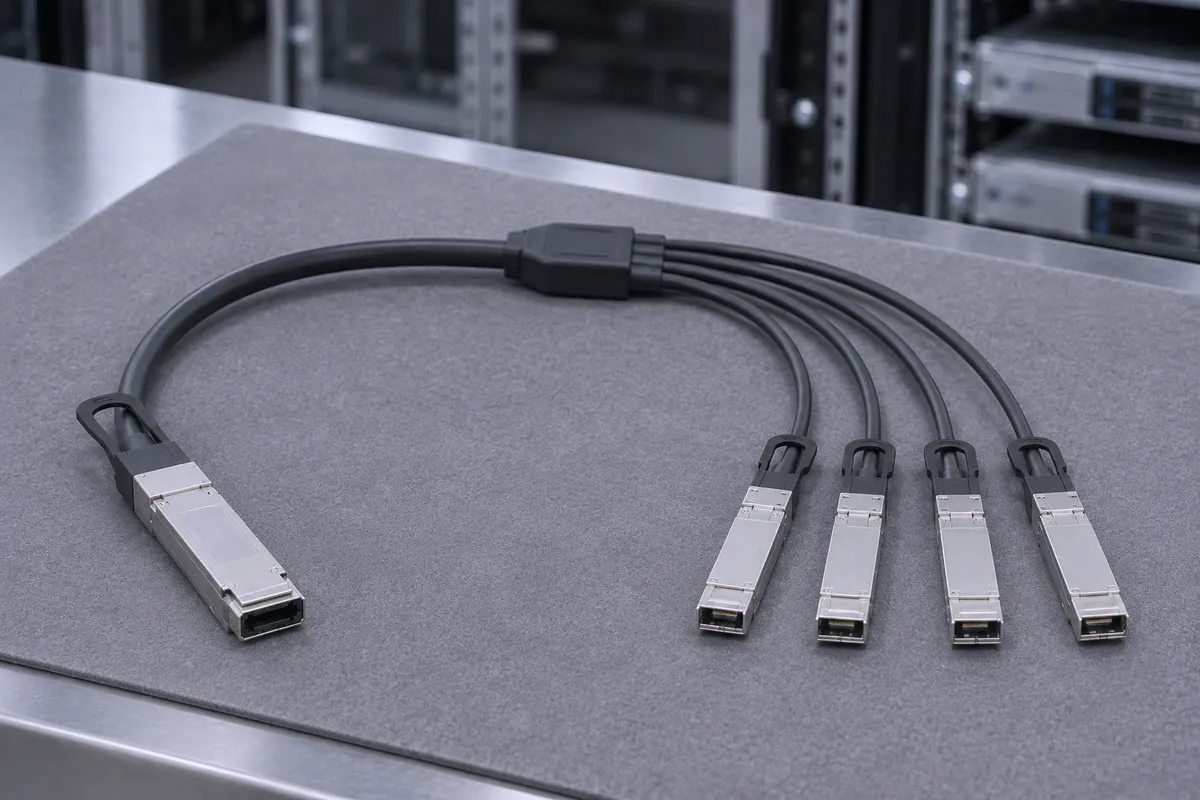
A breakout (splitter) cable takes one high-speed switch port and divides its electrical or optical lanes across two or four lower-speed connectors. A 100GbE QSFP28 port becomes four 25GbE SFP28 links, a 200G HDR port becomes two HDR100 links, and an 800G twin-port OSFP cage feeds two 400G or four 200G adapters. This post is for network engineers and buyers who need to pick the right NVIDIA LinkX splitter, set up the switch port, and avoid the common ordering mistakes.
What a breakout cable actually does
A high-speed port is a bundle of lanes. A breakout cable routes those lanes to separate connectors. It does not change the signal. It only regroups it.
- MCP7F00-A (100GbE to 4x25GbE): NVIDIA's spec says the cable "connects data signals from each of the 4 copper pairs on the QSFP28 end to the single pair of each" SFP28 end.
- MCP7H00-G (100GbE to 2x50GbE): two copper pairs from the QSFP28 head go to each of two QSFP28 legs.
- MCP7H50-H (200G HDR to 2x HDR100): 4x 50Gb/s PAM4 lanes on the QSFP56 head, one dual pair to each QSFP56 leg.
- MCP7Y00-N and MCP7Y10-N (800G to 2x400G): an 8-channel twin-port OSFP head; each 400G leg carries 4 channels of 100G-PAM4.
- MCP7Y50-N (800G to 4x200G): each 200G leg carries 2 channels of 100G-PAM4.
Because the lanes are fixed in the cable, each leg runs at a fixed fraction of the head speed. A 4x25GbE leg cannot run at 50GbE.
NVIDIA breakout families compared
The table below uses NVIDIA LinkX product specifications. "Max reach" is the longest length in NVIDIA's ordering tables.
| Part family | Head (switch end) | Legs | Protocol | Max reach |
|---|---|---|---|---|
| MCP7F00-A | 1x QSFP28, 100GbE | 4x SFP28, 25GbE each | Ethernet | 5 m (passive copper) |
| MCP7H00-G | 1x QSFP28, 100GbE | 2x QSFP28, 50GbE each | Ethernet | 5 m (passive copper) |
| MCP7H50-H | 1x QSFP56, 200Gb/s HDR | 2x QSFP56, HDR100 each | InfiniBand HDR | 2 m (passive copper) |
| MFS1S50-H | 1x QSFP56, 200Gb/s | 2x QSFP56, 100Gb/s each | InfiniBand HDR and 200GbE | 30 m (active optical, multimode fiber) |
| MCP7Y00-N | Twin-port OSFP, 800Gb/s, finned top | 2x OSFP, 400Gb/s each, flat top | InfiniBand NDR or Ethernet | 3 m (passive copper) |
| MCP7Y10-N | Twin-port OSFP, 800Gb/s, finned top | 2x QSFP112, 400Gb/s each, flat top | InfiniBand NDR or Ethernet | 3 m (passive copper) |
| MCP7Y50-N | Twin-port OSFP, 800Gb/s, finned top | 4x OSFP, 200Gb/s each, flat top | InfiniBand NDR or Ethernet | 3 m (passive copper) |
On the 800G cables, the cable firmware enables InfiniBand or Ethernet mode based on the switch it is plugged into. On the MCP7Y00, MCP7Y10 and MCP7Y50, NVIDIA uses 30AWG wire for 1 m and 1.5 m and 26AWG for 2 m to 3 m.
Which end goes where
The single connector (the head) goes into the switch. The legs go into servers, adapters or a second switch.
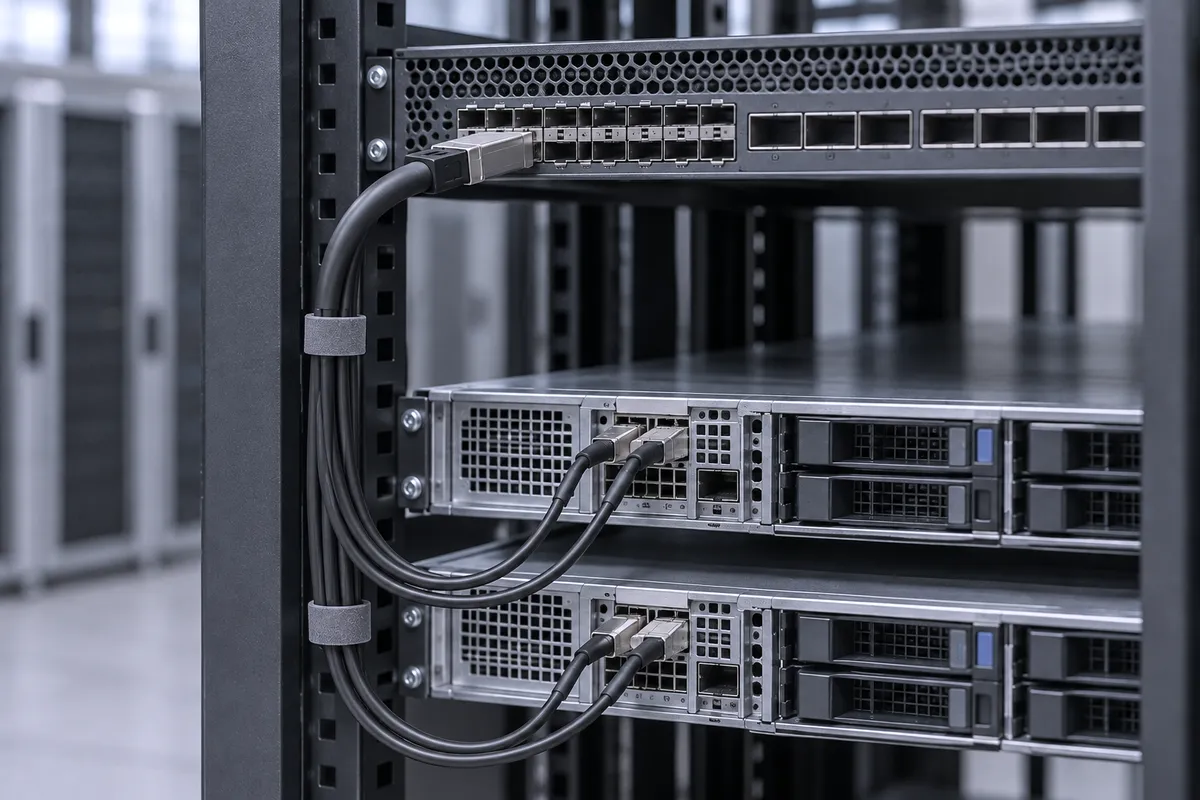
- 800G NDR cables: the finned-top twin-port OSFP head is built for Quantum-2 and Spectrum-4 switch cages. The flat-top legs are built for ConnectX-7 adapters, which have riding heat sinks on the cage.
- MCP7Y00-N vs MCP7Y10-N: choose by adapter cage. MCP7Y00 legs are OSFP for ConnectX-7 OSFP cards. MCP7Y10 legs are QSFP112 for ConnectX-7 QSFP112 cards and BlueField-3 DPUs.
- MFS1S50-H: NVIDIA's example is a switch on the 200G end and two servers on the 100G ends.
Switch-side configuration: the port must be split
The cable splits the lanes. The switch must also be told to treat one port as two or four. Without this step, the legs will not come up as separate links.
InfiniBand switches (MLNX-OS)
- Set the system profile with system profile ib split-ready. NVIDIA's manual warns this "will cause system reboot and all configuration will be deleted." Plan a maintenance window and back up the configuration.
- Shut down the interface, for example interface ib 1/4 then shutdown.
- Split it with module-type qsfp-split-2. The port is renumbered, for example 1/4/1 and 1/4/2.
- Check with show interfaces ib status.
On Quantum-2, each OSFP cage already holds two ports. Split ports there appear as 1/3/1/1 and 1/3/1/2.
Ethernet switches (Cumulus Linux, NVUE)
Use nv set interface swp1 link breakout 4x, bring up the new ports with nv set interface swp1s0-3 link state up, then nv config apply. For a two-way split, NVIDIA's example is nv set interface swp1 link breakout 2x lanes-per-port 2. On some models, NVUE automatically disables the next even-numbered port when you break out a port.
Common mistakes
- Wrong protocol. MCP7F00-A and MCP7H00-G are Ethernet cables. MCP7H50-H is an HDR InfiniBand cable. Do not order one for the other fabric.
- Too long for copper. Passive copper splitters stop at 5 m (100GbE), 2 m (MCP7H50-H) and 3 m (800G NDR). For longer runs at 200G, use the MFS1S50-H active optical splitter, up to 30 m.
- Ignoring FEC on 25G legs. NVIDIA rates MCP7F00 and MCP7H00 cables up to 2 m as IEEE 802.3by CA-25G-N and 5 m cables as CA-25G-L. The MCP7H00 spec states CA-25G-L runs with RS-FEC enabled, so set FEC on both ends to match.
- Wrong leg connector. An MCP7Y00-N leg is OSFP. It will not fit a QSFP112 ConnectX-7 card or BlueField-3 DPU. Use MCP7Y10-N there.
- Head in the adapter. The finned-top 800G head belongs in the switch cage, not in the server.
- No split config. On MLNX-OS, enabling split-ready reboots the switch and deletes its configuration. Do not do it on a live production switch without a plan.
Parts we stock
Parts in this post
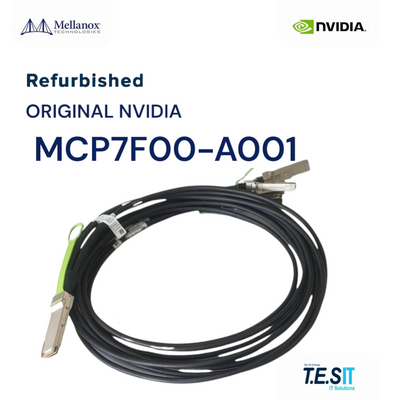 Mellanox MCP7F00-A001 QSFP28 to 4xSFP28 100GbE Breakout Cable 1m - MCP7F00-A001MCP7F00-A001View part
 NVIDIA Mellanox MCP7F00-A005 Passive Copper Breakout Cable 5m - MCP7F00-A005MCP7F00-A005View part
 NVIDIA Mellanox MCP7H00-G002 100GbE to 2x50GbE QSFP28 Breakout DAC Cable 2mMCP7H00-G002View part
 NVIDIA Mellanox MCP7H50-H002 QSFP56 HDR Splitter 200G to 2x100G Cable 2mMCP7H50-H002View part
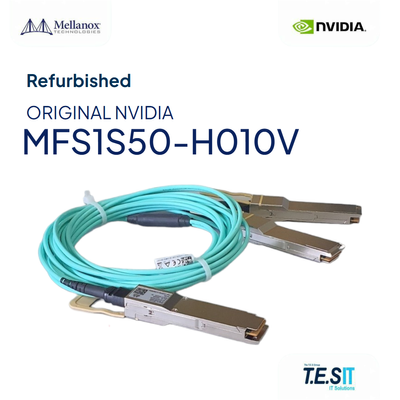 NVIDIA Mellanox MFS1S50-H010V LinkX HDR 200G to 2x100G QSFP56 AOC Splitter 10mMFS1S50-H010VView part
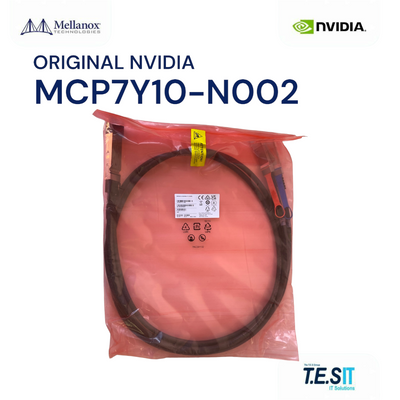 NVIDIA Mellanox MCP7Y10-N002 Cable OSFP to 2x QSFP112 800G NDR DAC Splitter 2mMCP7Y10-N002View part
 NVIDIA MCP7Y50-N002 NDR 800Gb/s OSFP 1:4 Splitter to 4x200Gb/s Cable 2mMCP7Y50-N002View part
Every cable is checked before it ships: connector and latch inspection, label, part number and length, jacket condition, and an electrical test where we have a setup for that cable type. See how we build and test and the full interconnect range.
- MCP7F00-A001, 1 m: QSFP28 100GbE to 4x SFP28 25GbE, Ethernet.
- MCP7F00-A005, 5 m: the longest MCP7F00 length, CA-25G-L.
- MCP7H00-G002, 2 m: QSFP28 100GbE to 2x QSFP28 50GbE.
- MCP7H50-H002, 2 m: HDR 200Gb/s to 2x HDR100, QSFP56, 26AWG.
- MFS1S50-H010V, 10 m: 200Gb/s to 2x 100Gb/s active optical splitter, QSFP56.
- MCP7Y00-N002, 2 m: 800Gb/s twin-port OSFP to 2x 400Gb/s OSFP.
- MCP7Y10-N002, 2 m: 800Gb/s twin-port OSFP to 2x 400Gb/s QSFP112.
- MCP7Y50-N002, 2 m: 800Gb/s twin-port OSFP to 4x 200Gb/s OSFP.
FAQ
What does a breakout cable do?
A breakout cable splits the lanes of one switch port across several connectors. The MCP7F00-A, for example, routes the 4 copper pairs of a 100GbE QSFP28 port to four 25GbE SFP28 connectors, one pair each.
Do I need to configure the switch for a breakout cable?
Yes. On MLNX-OS InfiniBand switches, set "system profile ib split-ready" (this reboots the switch and deletes its configuration), then run "module-type qsfp-split-2" on the shut-down port. On Cumulus Linux, use "nv set interface swp1 link breakout 4x" or "2x", then "nv config apply".
What is the maximum length of a passive copper breakout cable?
In NVIDIA's ordering tables, MCP7F00-A and MCP7H00-G go up to 5 m, MCP7H50-H up to 2 m, and MCP7Y00-N, MCP7Y10-N and MCP7Y50-N up to 3 m. For 200G splits beyond that, the MFS1S50-H active optical splitter reaches up to 30 m.
What is the difference between MCP7Y00-N and MCP7Y10-N?
Both split an 800Gb/s twin-port OSFP into two 400Gb/s legs of 4 channels of 100G-PAM4. MCP7Y00-N legs are flat-top OSFP for ConnectX-7 OSFP adapters. MCP7Y10-N legs are QSFP112 for ConnectX-7 QSFP112 adapters and BlueField-3 DPUs.
Which end of an 800G splitter goes into the switch?
The finned-top twin-port OSFP head of the MCP7Y00-N, MCP7Y10-N or MCP7Y50-N goes into a Quantum-2 or Spectrum-4 switch cage. The flat-top legs go into the adapters. The cable firmware selects InfiniBand or Ethernet mode based on the attached switch.
Not sure which splitter fits your switch and adapters? Send us the part number or the requirement and we will match it.