
SN2700 and SN3700 Compatible Cables: DAC, AOC and Breakout
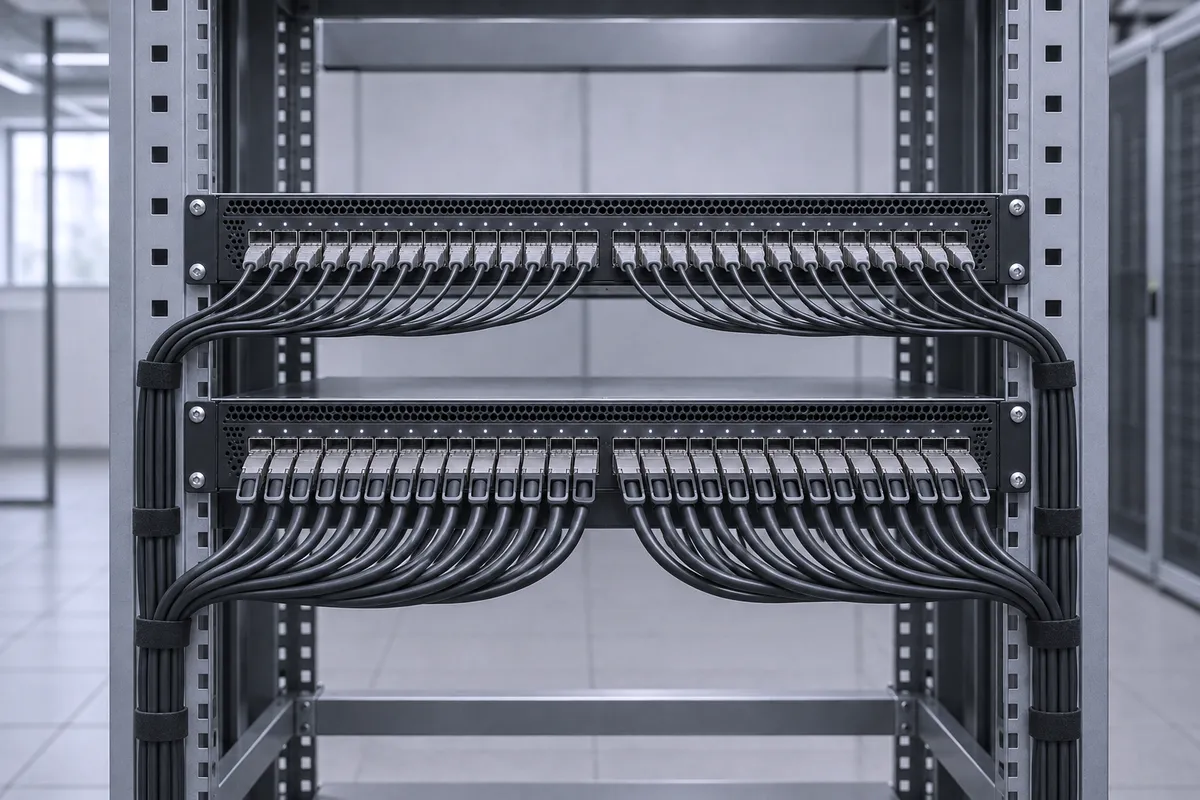
The SN2700 takes 100GbE QSFP28 cables: MCP1600-C passive DAC up to 5m, MFA1A00-C active optical cable (AOC) up to 100m, and MCP7F00-A to break one port into 4x 25GbE. The SN3700 takes 200GbE QSFP56 cables: MCP1650-V DAC, MFS1S00-V AOC up to 100m and MCP7H50-V to split one port into 2x 100GbE, and it also accepts the 100GbE cables above. This guide is for network engineers and buyers who cable, expand or replace these two Spectrum Ethernet switches.
SN2700 vs SN3700 at a glance
Both are 1U, 32-port Ethernet switches with 6.4Tb/s of switching capacity. The difference is the port generation: QSFP28 at up to 100GbE on the SN2700, QSFP56 at up to 200GbE on the SN3700.
| Item | SN2700 | SN3700 |
|---|---|---|
| Switch ASIC | Spectrum | Spectrum-2 |
| Ports | 32x QSFP28 | 32x QSFP56 |
| Speeds per port | 10/25/40/50/56/100GbE | 10/25/40/50/100/200GbE |
| Throughput | 6.4Tb/s | 6.4Tb/s |
| Max 25GbE ports (4x split) | 64 | 128 |
| Max 50GbE ports | 64 (2x split) | 128 (4x split) |
| Max 100GbE ports | 32 (native) | 64 (2x split) |
| Split limit | 4x split disables the next even-numbered port | No even-port requirement |
Note: the SN3700C is a different model. It has 32 QSFP28 cages and 3.2Tb/s, so it is a 100GbE switch. The 200GbE cables in this guide apply to the SN3700 only.
SN2700 compatible cables (100GbE QSFP28)
| Cable type | Part number family | Lengths and reach | Typical use |
|---|---|---|---|
| Passive copper DAC | MCP1600-C | 0.5m to 5m | Switch to switch or switch to NIC inside a rack |
| Active optical cable | MFA1A00-C | 3m to 100m, multimode fiber | Rack to rack, end of row |
| Breakout DAC | MCP7F00-A (QSFP28 to 4x SFP28) | Up to 5m | One switch port to four 25GbE servers |
| Optical transceivers | QSFP28 modules | Set by the module | Structured fiber plant |
The MCP1600-C uses four copper pairs at up to 25Gb/s each. Lengths up to 2m run without FEC. The 3m to 5m versions are CA-25G-L cables and need RS-FEC enabled on both ends. The MFA1A00-C runs 4x 25G NRZ over multimode fiber and covers up to 100m.
The MCP7F00-A splits one QSFP28 port into four SFP28 legs at 25GbE each. Plan the port map first: on the SN2700, a 4x breakout disables the next even-numbered port. That is why the maximum is 64x 25GbE, not 128. A 2x 50GbE split has no such cost, so all 32 ports can become 64x 50GbE.
For high-power optics, NVIDIA lists ports 1, 2, 31 and 32 of the SN2700 for 5.0W modules.
SN3700 compatible cables (200GbE QSFP56)
| Cable type | Part number family | Lengths and reach | Typical use |
|---|---|---|---|
| Passive copper DAC | MCP1650-V | 0.5m to 3m listed; use up to 2.5m on the SN3700 | 200GbE switch to switch or switch to NIC in the rack |
| Active optical cable | MFS1S00-V | Up to 100m, multimode fiber | 200GbE between racks |
| Splitter DAC | MCP7H50-V (QSFP56 to 2x QSFP56) | 1m to 3m listed; use up to 2.5m on the SN3700 | One 200GbE port to two 100GbE devices |
| 100GbE cables | MCP1600-C, MFA1A00-C, MCP7F00-A | As on the SN2700 | 100GbE or 4x 25GbE from a QSFP56 port |
The 200GbE parts run four lanes of 50Gb/s PAM4. The SN3700 hardware manual sets the limit for PAM4 passive copper and breakout cables at 2.5m for switch-to-switch and switch-to-NIC links at 50GbE, 100GbE and 200GbE. Past 2.5m, use the MFS1S00-V AOC.
Each MCP7H50-V leg carries 100GbE over two 50G PAM4 lanes (IEEE 802.3cd 100GBASE-CR2). The device on the far end must support that 2-lane 100GbE mode. With 2x splits on all ports, the SN3700 gives 64x 100GbE. With 4x splits it gives 128 ports at 25GbE or 50GbE, and no adjacent port is lost.
The QSFP56 ports also accept QSFP28 cables. An MCP1600-C or MFA1A00-C link from an SN3700 runs at 100GbE, not 200GbE.
Configuring breakout ports on Cumulus Linux and Onyx
The breakout cable does not split the port by itself. You set the split in the switch OS.
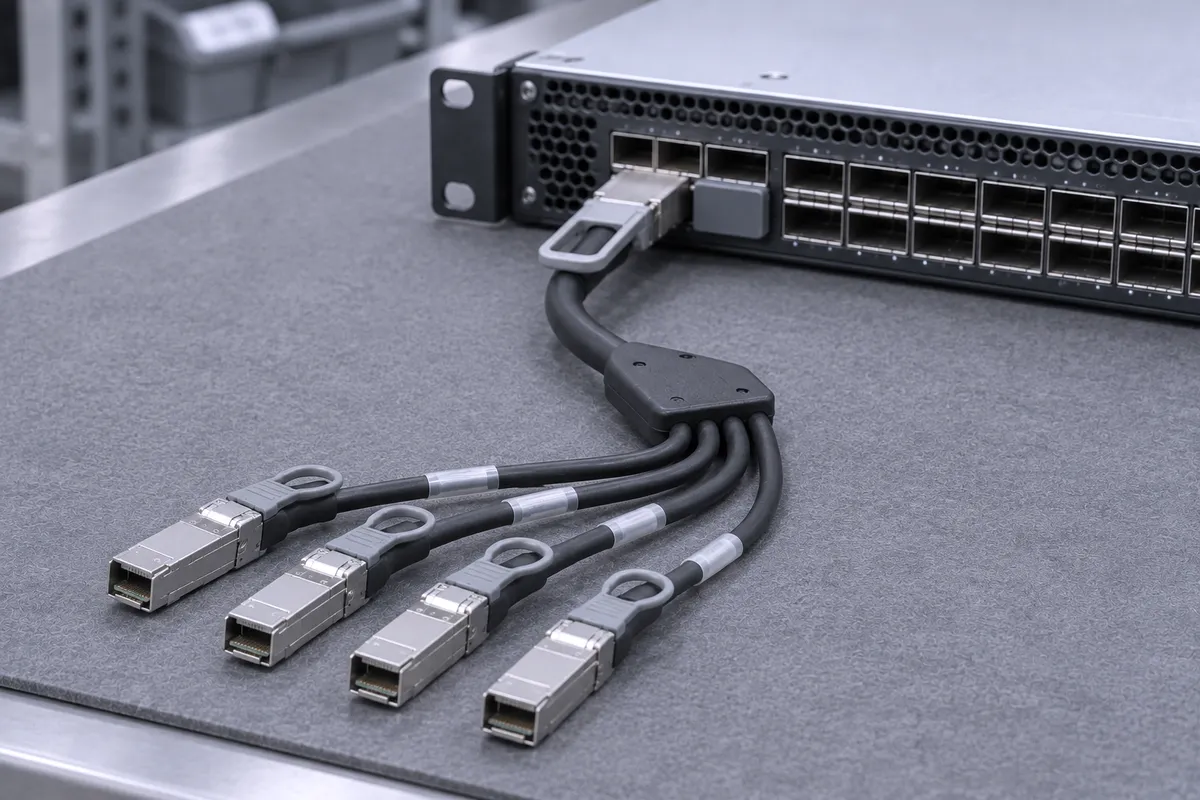
- Cumulus Linux (NVUE): nv set interface swp1 link breakout 4x. On the SN2700, NVUE disables the next even-numbered port for you. If you edit /etc/cumulus/ports.conf by hand, you must set that port to disabled yourself.
- Onyx: shut down the interface first, then in the interface context run module-type qsfp-split-4. On the SN2700, splitting port 3 into four makes port 4 unusable.
- SN3700: no even-numbered port has to be disabled for a 4x split.
Common mistakes and what these switches do NOT work with
- InfiniBand. The SN2700 and SN3700 are Ethernet switches. They do not run an InfiniBand fabric. Order the Ethernet part numbers: -C for 100GbE and -V for 200GbE. The -E (EDR) and -H (HDR) cables are InfiniBand-rated parts; check the validated cable list in your switch OS release notes before using one in an Ethernet port.
- 200GbE on the SN2700. Its ports are QSFP28 and top out at 100GbE. 200GbE needs the SN3700.
- 3m copper at 200GbE. MCP1650-V and MCP7H50-V come in 3m, but the SN3700 manual supports PAM4 passive copper up to 2.5m.
- Splitting the SN2700 without a port plan. Every 4x split costs the next even-numbered port.
- 3m to 5m MCP1600-C without FEC. These lengths need RS-FEC on both ends.
- Mixing 100GbE lane formats. An MCP7H50-V leg is 2-lane 100GbE. Check that the NIC or switch on that leg supports it.
Parts we stock
Parts in this post
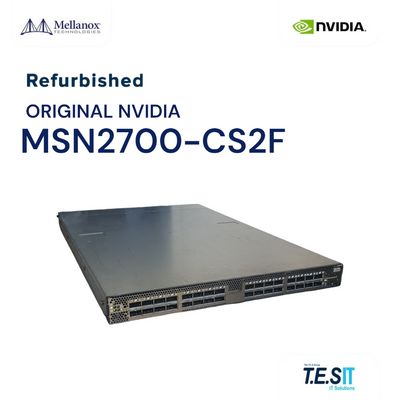 NVIDIA Mellanox MSN2700-CS2F 100GbE 32x QSFP28 Spectrum Switch OnyxMSN2700-CS2FView part
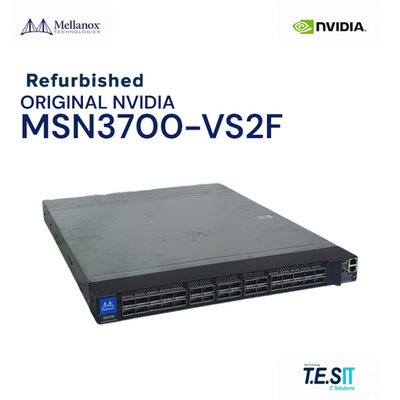 NVIDIA Mellanox MSN3700-VS2F Spectrum-2 200GbE 32-port QSFP56 Onyx P2CMSN3700-VS2FView part
 NVIDIA Mellanox MCP1600-C003 100GbE QSFP28 Passive Copper Cable 3mMCP1600-C003View part
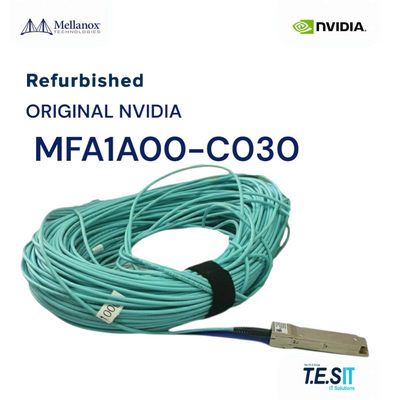 NVIDIA Mellanox MFA1A00-C030 100GbE QSFP28 Active Optical Cable 30mMFA1A00-C030View part
 NVIDIA Mellanox MCP7F00-A003 100GbE QSFP28 to 4x25GbE SFP28 Splitter DAC 3mMCP7F00-A003View part
 NVIDIA Mellanox MCP1650-V002E26 Cable 200Gb/s QSFP56 Passive Copper 2m 26AWGMCP1650-V002E26View part
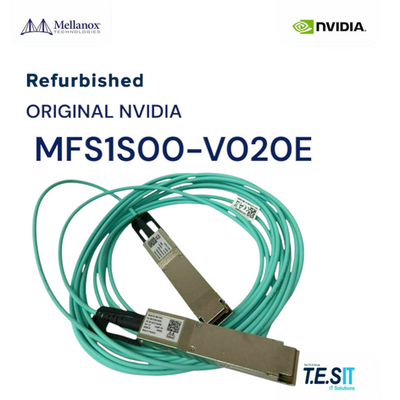 NVIDIA Mellanox MFS1S00-V020E Transceiver 200GbE QSFP56 AOC 20m LSZHMFS1S00-V020EView part
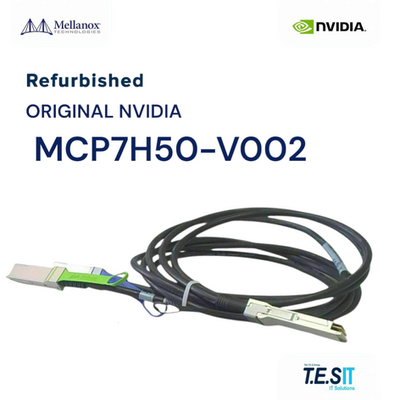 NVIDIA Mellanox MCP7H50-V002 200GbE QSFP56 to 2x100GbE Passive Copper Cable 2mMCP7H50-V002View part
We rebuild and test switches and cables before they ship. For cables, we inspect connectors and latches, check the label, part number and length, check the jacket, and run an electrical test where a setup exists for that cable type. See how we build. Browse all switches and cables and interconnects.
- MSN2700-CS2F SN2700 switch: 32x QSFP28, 100GbE, Spectrum, Onyx.
- MSN3700-VS2F SN3700 switch: 32x QSFP56, 200GbE, Spectrum-2, Onyx.
- MCP1600-C003 100GbE DAC, 3m: QSFP28 passive copper; needs RS-FEC at this length.
- MFA1A00-C030 100GbE AOC, 30m: QSFP28, 4x 25G NRZ, multimode fiber.
- MCP7F00-A003 breakout, 3m: one QSFP28 port to four 25GbE SFP28 legs.
- MCP1650-V002E26 200GbE DAC, 2m: QSFP56, 26AWG, within the SN3700 2.5m copper limit.
- MFS1S00-V020E 200GbE AOC, 20m: QSFP56, 4x 50G PAM4, multimode fiber.
- MCP7H50-V002 splitter, 2m: one 200GbE QSFP56 port to two 100GbE QSFP56 legs.
FAQ
Can I run 200GbE cables like the MCP1650-V on the SN2700?
Not at 200GbE. The SN2700 has 32 QSFP28 ports with a top speed of 100GbE per port. For 200GbE links use the SN3700, which has 32 QSFP56 ports. On the SN2700, use MCP1600-C DAC or MFA1A00-C AOC.
How many 25GbE ports can the SN2700 provide?
The SN2700 supports up to 64x 25GbE ports using QSFP28-to-4x SFP28 breakout cables such as the MCP7F00-A. Each 4x split disables the next even-numbered port, so 16 ports are split and 16 are disabled.
How many 100GbE ports does the SN3700 support with the MCP7H50-V splitter?
The SN3700 supports up to 64x 100GbE ports when all 32 QSFP56 ports are split 2x with MCP7H50-V splitter cables. Each leg runs 100GbE over two 50G PAM4 lanes.
What is the maximum passive copper length on the SN3700?
NVIDIA supports PAM4 passive copper and breakout cables up to 2.5m on the SN3700 at 50GbE, 100GbE and 200GbE. For longer runs, the MFS1S00-V 200GbE AOC reaches up to 100m.
Do the SN2700 and SN3700 support InfiniBand cables?
The SN2700 and SN3700 are Ethernet switches and do not run InfiniBand. Use the Ethernet part numbers: MCP1600-C and MFA1A00-C for 100GbE, MCP1650-V and MFS1S00-V for 200GbE.
Planning an SN2700 or SN3700 build? Send us the part number or the requirement and we will match the cables.