
ConnectX-6 vs ConnectX-7: Which Adapter for 100G, 200G or 400G
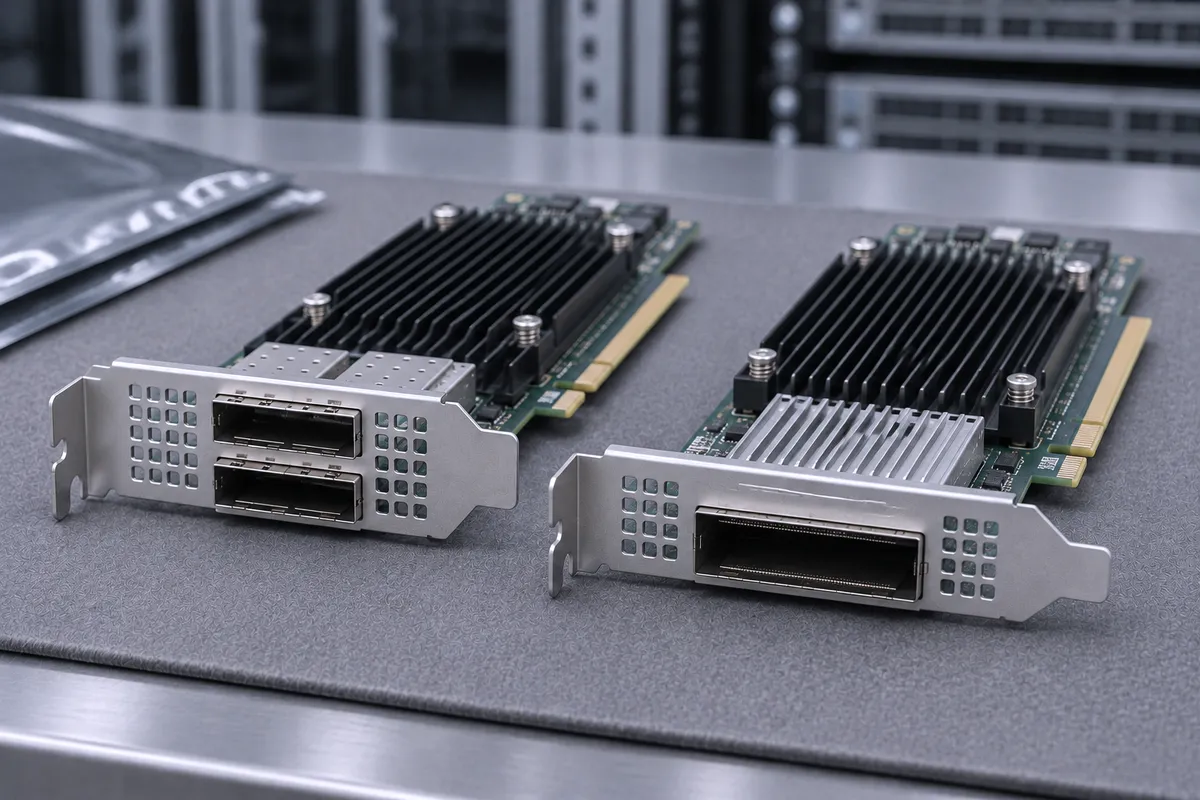
Short answer: choose ConnectX-6 for 100G or 200G links on PCIe Gen4 servers and HDR InfiniBand fabrics. Choose ConnectX-7 for 400G (NDR InfiniBand or 400GbE), PCIe Gen5 hosts and Quantum-2 switches. This guide is for engineers and buyers who must match an adapter to a switch, a server slot and a cable.
ConnectX-6 vs ConnectX-7 at a glance
"ConnectX-6" covers two product lines. ConnectX-6 VPI cards (MCX653 part numbers) run InfiniBand or Ethernet. ConnectX-6 Dx cards (MCX623) are Ethernet only. ConnectX-7 cards (MCX75x) run InfiniBand and Ethernet. All figures below come from the NVIDIA user manuals and firmware release notes.
| Part number | Family | Ports and cage | Max rate | Host interface | Typical power |
|---|---|---|---|---|---|
| MCX653105A-HDAT | ConnectX-6 VPI | 1x QSFP56 | HDR IB / 200GbE | PCIe Gen3/4 x16 | 19.3W |
| MCX653106A-HDAT | ConnectX-6 VPI | 2x QSFP56 | HDR IB / 200GbE | PCIe Gen3/4 x16 | 23.6W |
| MCX623106AN-CDAT | ConnectX-6 Dx | 2x QSFP56 | 100GbE (Ethernet only) | PCIe Gen3/4 x16 | 19.52W at Gen4 |
| MCX623436AN-CDAB | ConnectX-6 Dx OCP 3.0 | 2x QSFP56 | 100GbE (Ethernet only) | PCIe Gen4 x16 | 19W |
| MCX75310AAS-HEAT | ConnectX-7 | 1x OSFP | NDR200 IB / 200GbE | PCIe Gen4/5 x16 | 16.7W |
| MCX75310AAS-NEAT | ConnectX-7 | 1x OSFP | NDR IB / 400GbE | PCIe Gen4/5 x16 | 24.9W |
| MCX755106AS-HEAT | ConnectX-7 | 2x QSFP112 | NDR200 IB / 200GbE | PCIe Gen4/5 x16 | 24.9W |
Power figures are NVIDIA's typical values with passive cables. The MCX75210AAS-NEAT is a special case: NVIDIA lists it as NDR InfiniBand, single-port OSFP, on "PCIe 5.0 2x8 in a row (Socket Direct)".
Speed, PCIe generation and lanes
ConnectX-6 VPI uses PCIe Gen3/4 at 8.0/16 GT/s on x16 lanes. HDR is 4 lanes x 50Gb/s (200Gb/s). HDR100 is 2 lanes x 50Gb/s (100Gb/s). ConnectX-6 Dx also runs at 16.0 GT/s on 16 lanes.
ConnectX-7 moves to PCIe Gen 5.0 at 32 GT/s on x16 lanes. It stays compatible with Gen 4.0 and Gen 3.0 slots. It also supports PCIe bifurcation and auto-negotiates down to x8, x4, x2 or x1.
The host bus matters as much as the port. NVIDIA states that a PCIe 3.0 x16 bus "can supply a maximum bandwidth of 128Gb/s only (=16 * 8GT/s, including overhead)". A 200Gb/s port therefore cannot run at full rate in a Gen3 x16 slot.
InfiniBand or Ethernet: VPI vs EN models
- ConnectX-6 VPI (MCX653): InfiniBand SDR through HDR, and Ethernet from 1 to 200Gb/s on the same QSFP56 port.
- ConnectX-6 Dx (MCX623): Ethernet only. The MCX623106AN-CDAT lists 1/10/25/40/50/100 Gb/s. The MCX623105AN-VDAT adds 200Gb/s on a single QSFP56. Neither runs InfiniBand.
- ConnectX-7 OSFP (MCX75310): InfiniBand is the default mode. The MCX75310AAS-NEAT also lists 400/200/100/50/40/10/1 Gb/s Ethernet.
- ConnectX-7 QSFP112 (MCX755106AS-HEAT): Ethernet is the default mode, with NDR200 InfiniBand also listed.
On VPI cards, the protocol each port runs depends on the firmware configuration and on the switch at the other end.
Form factors: PCIe card or OCP 3.0
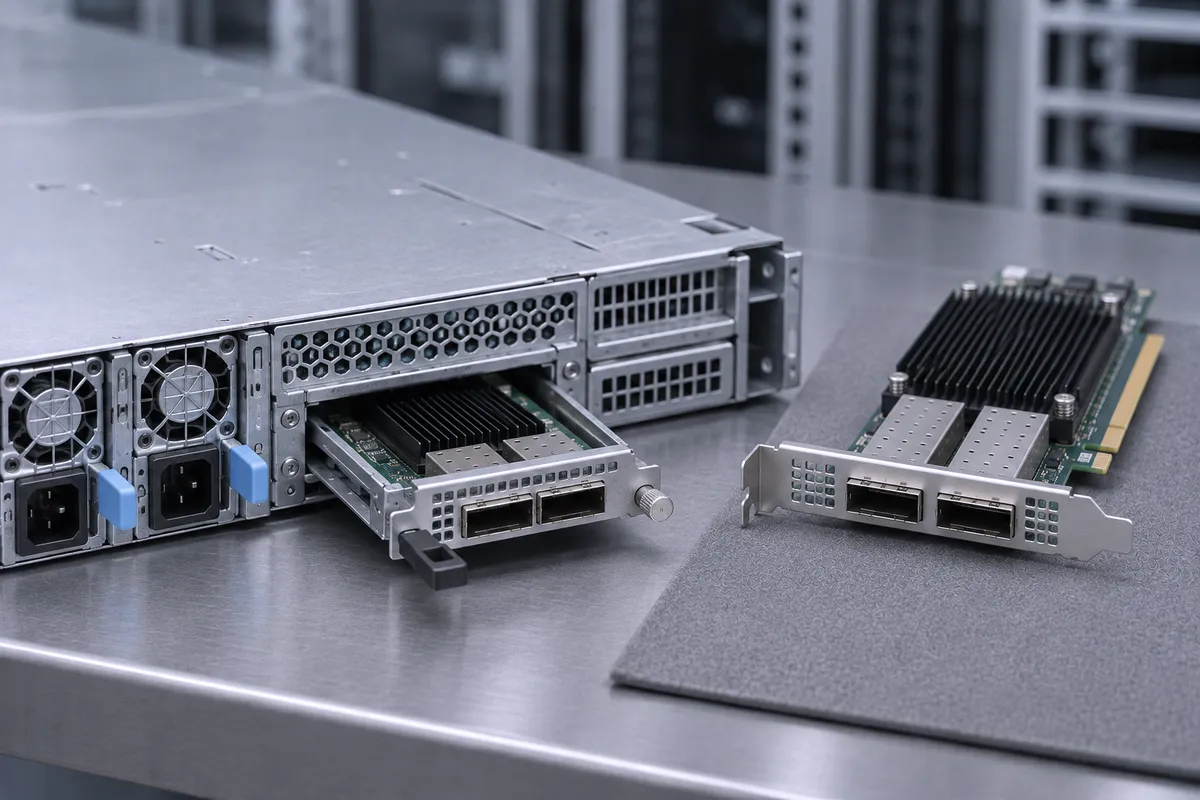
ConnectX-6 VPI cards measure 6.6 x 2.71 in. ConnectX-6 Dx PCIe cards measure 5.59 x 2.71 in. ConnectX-7 cards are PCIe half height, half length (2.71 x 6.6 in.). OCP 3.0 cards such as the MCX623436AN-CDAB use the Small Form Factor (115 x 76 mm) and fit an OCP 3.0 slot, not a standard PCIe slot. More background is in our post on how to choose the right NVIDIA Mellanox adapter.
Decision table: workload and switch to adapter
| Your fabric or workload | Host slot | Adapter |
|---|---|---|
| 100GbE Ethernet, dual port | PCIe Gen4 x16 | MCX623106AN-CDAT |
| 100GbE Ethernet in OCP 3.0 servers | OCP 3.0 SFF, Gen4 x16 | MCX623436AN-CDAB |
| 200GbE Ethernet, single port | PCIe Gen4 x16 | MCX623105AN-VDAT |
| HDR InfiniBand switch (200Gb/s) | PCIe Gen4 x16 | MCX653105A-HDAT or MCX653106A-HDAT |
| EDR InfiniBand or 100GbE on older servers | PCIe Gen3 x16 | ConnectX-5 MCX555A-ECAT |
| NDR200 or 200GbE, dual port | PCIe Gen5 x16 | MCX755106AS-HEAT |
| NDR200 on a single OSFP port | PCIe Gen5 x16 | MCX75310AAS-HEAT |
| NDR InfiniBand (400Gb/s), Quantum-2 | PCIe Gen5 x16 | MCX75310AAS-NEAT |
| NDR InfiniBand, Socket Direct host | PCIe 5.0 2x8 | MCX75210AAS-NEAT |
Common mistakes: what it does NOT work with
- 200G or 400G in a Gen3 slot. PCIe 3.0 x16 tops out at 128Gb/s. Throughput is capped by the bus, not by the port.
- x16 cards in x8 slots. Half the lanes means half the bus bandwidth. By NVIDIA's own formula, Gen3 x8 gives 64Gb/s.
- Dual 100G on Gen3. NVIDIA notes the MCX556A-ECAT "cannot support 200Gb/s when both network ports ... run at 100Gb/s".
- The wrong OSFP shell. The ConnectX-7 OSFP port takes flat-top (riding heat sink) OSFP cables and transceivers. Quantum-2 switches only accept twin-port, finned-top OSFP devices. Order the cable for each end, not just "OSFP".
- OSFP and QSFP112 are not the same cage. The MCX755106AS-HEAT uses QSFP112. It needs QSFP112 cabling, not OSFP.
- InfiniBand on ConnectX-6 Dx. MCX623 cards are Ethernet only. For an InfiniBand fabric use MCX653 or ConnectX-7.
- Old firmware or drivers. Each family has its own firmware branch: ConnectX-5 is 16.x, ConnectX-6 is 20.x, ConnectX-6 Dx is 22.x and ConnectX-7 is 28.x. Check the "Firmware Compatible Products" list and the tested driver versions in the release notes. For example, ConnectX-7 firmware 28.45.1020 was tested with DOCA-Host 3.0.0 and 2.10.0.
When ConnectX-5 is still enough
If the fabric is EDR InfiniBand or 100GbE, ConnectX-5 still does the job. The MCX555A-ECAT has one QSFP28 port, EDR InfiniBand and 1 to 100Gb/s Ethernet, PCIe Gen3 x16, and 14.2W typical power. The dual-port MCX556A-ECAT is also Gen3 x16, so both ports cannot run 100Gb/s at the same time. If you need both ports at full rate, the MCX556A-EDAT runs on PCIe Gen4 x16. Move to ConnectX-6 or ConnectX-7 when you need HDR, 200GbE or more.
Parts we stock
Parts in this post
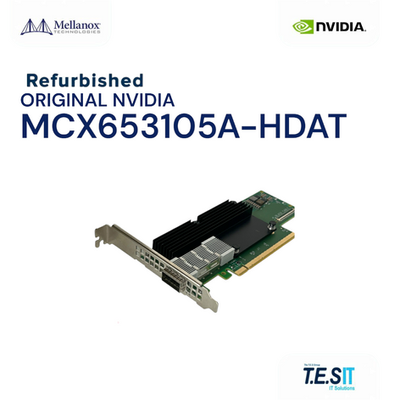 NVIDIA Mellanox MCX653105A-HDAT ConnectX-6 VPI HDR 200Gb/s 200GbE QSFP56 PCIeMCX653105A-HDATView part
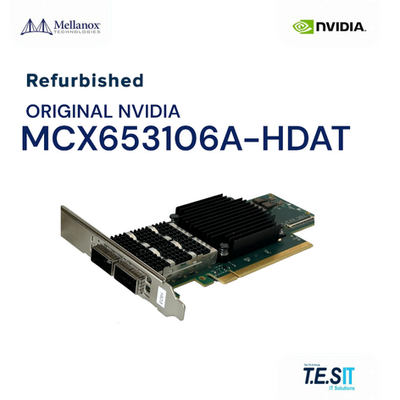 NVIDIA Mellanox MCX653106A-HDAT ConnectX-6 VPI HDR 200Gb/s Dual QSFP56 PCIe 4.0MCX653106A-HDATView part
 NVIDIA Mellanox MCX623106AN-CDAT ConnectX-6 Dx Dual 100GbE QSFP56 No CryptoMCX623106AN-CDATView part
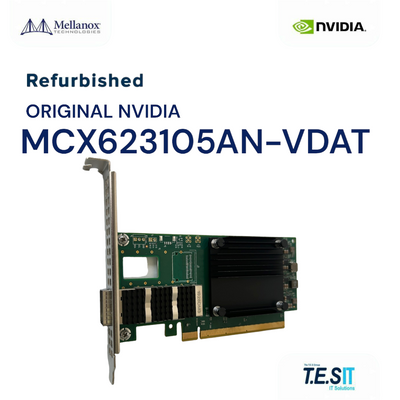 NVIDIA Mellanox MCX623105AN-VDAT ConnectX-6 Dx Single 200GbE QSFP56 No CryptoMCX623105AN-VDATView part
 NVIDIA Mellanox MCX75310AAS-HEAT ConnectX-7 200G OSFP PCIe 5.0 x16MCX75310AAS-HEATView part
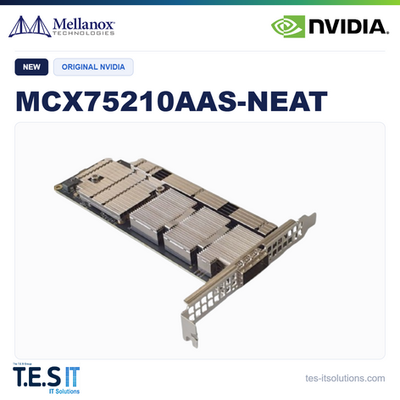 NVIDIA Mellanox MCX75210AAS-NEAT ConnectX-7 NDR 400G OSFP PCIe 5.0 HCAMCX75210AAS-NEATView part
 NVIDIA Mellanox MCX555A-ECAT ConnectX-5 VPI 100GbE/EDR Single-Port QSFP28MCX555A-ECATView part
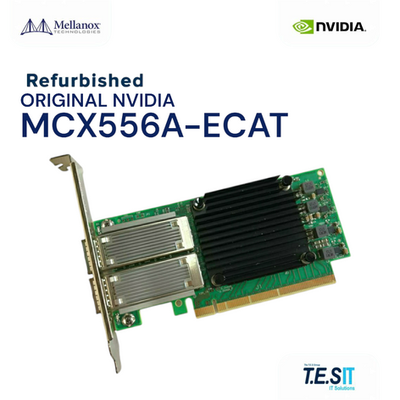 NVIDIA Mellanox MCX556A-ECAT ConnectX-5 VPI 100GbE/EDR Dual QSFP28 NICMCX556A-ECATView part
We rebuild and test every unit before it ships. Handling takes 1-3 business days, with worldwide B2B shipping. Browse all adapter cards, or start here:
- MCX653105A-HDAT: ConnectX-6 VPI, 1x QSFP56, HDR or 200GbE.
- MCX653106A-HDAT: ConnectX-6 VPI, 2x QSFP56, 23.6W typical.
- MCX623106AN-CDAT: ConnectX-6 Dx, dual 100GbE, Ethernet only.
- MCX623105AN-VDAT: ConnectX-6 Dx, single 200GbE QSFP56.
- MCX623436AN-CDAB: ConnectX-6 Dx OCP 3.0 SFF, dual 100GbE.
- MCX75310AAS-HEAT: ConnectX-7, single OSFP, NDR200 or 200GbE, 16.7W typical.
- MCX75210AAS-NEAT: ConnectX-7, NDR InfiniBand, single OSFP, PCIe 5.0 2x8 Socket Direct.
- MCX755106AS-HEAT: ConnectX-7, dual QSFP112, 200GbE or NDR200.
- MCX555A-ECAT: ConnectX-5 VPI, single QSFP28, EDR or 100GbE.
- MCX556A-ECAT: ConnectX-5 VPI, dual QSFP28, PCIe Gen3 x16.
FAQ
What is the maximum speed of ConnectX-6?
ConnectX-6 VPI cards such as the MCX653105A-HDAT run HDR InfiniBand (4 lanes x 50Gb/s = 200Gb/s) and Ethernet up to 200Gb/s. They use PCIe Gen3/4 x16. ConnectX-6 Dx cards reach 200GbE on models like the MCX623105AN-VDAT, Ethernet only.
Does ConnectX-6 Dx support InfiniBand?
No. ConnectX-6 Dx cards such as the MCX623106AN-CDAT list Ethernet only, at 1/10/25/40/50/100 Gb/s on dual QSFP56 ports. For InfiniBand use a ConnectX-6 VPI card (MCX653) or ConnectX-7.
Will a ConnectX-7 card work in a PCIe Gen4 server?
Yes. ConnectX-7 cards such as the MCX75310AAS-NEAT are PCIe Gen 5.0 x16 at 32 GT/s and stay compatible with Gen 4.0 and Gen 3.0 slots. In an older slot the host bus can limit throughput below the 400Gb/s port rate.
Can I use a switch OSFP cable on a ConnectX-7 OSFP adapter?
Only if the adapter end is flat-top. The ConnectX-7 OSFP port takes flat-top (riding heat sink) OSFP devices. Quantum-2 switches accept only twin-port, finned-top OSFP devices, so each cable end must match its cage.
Why does my dual-port 100G card not reach 200Gb/s?
The slot is likely PCIe 3.0 x16. NVIDIA states this bus supplies a maximum of 128Gb/s including overhead, so a card such as the MCX556A-ECAT cannot run both 100Gb/s ports at full rate. A Gen4 x16 card such as the MCX556A-EDAT avoids this limit.
Not sure which card fits your server and switch? Send us the part number or the requirement and we will match it.